How to Watch Interactive Drama with Spanish Subtitles on DRAMAGO
Where Spanish viewers stand: second of nine
If you want to follow a drama in Spanish and have a say in what happens, DRAMAGO brings those experiences together. The app supports a Spanish interface and Spanish subtitles. You can watch filmed episodes, make decisions at key points, and follow the dialogue as the story develops.
DRAMAGO is an AI-native cinematic entertainment platform. Interactive drama is one way to experience its stories: you meet the characters through cinematic episodes, then take part when the narrative offers a choice. The story remains central. The interactive moments give you a role in how you experience it.
Start with a story, then make it yours
You do not need to know how an interactive drama works before pressing play. Choose a premise that interests you and watch the opening scenes as you would any other series. The characters, their relationships, and the conflict give you the information you need.
When a choice appears, consider what you have learned. Would you confront someone, keep a secret, or follow a clue? Your response can affect the route you take through the story. The moments before a decision matter as much as the decision itself: dialogue and performance establish what is at stake.
You can also watch without treating every choice as a test. There is no single response that every viewer must make. Part of the appeal is seeing how a story feels when you take part in it.
Set the language for your drama
Spanish is one of nine languages supported by the DRAMAGO app interface. The others are Arabic, English, French, German, Indonesian, Japanese, Portuguese, and Traditional Chinese. The list describes interface language availability; it does not indicate an order of importance or audience size.
The interface language controls how you navigate the app. Subtitles appear with the drama you are watching. These are related parts of your language experience, but they are not always changed through the same control.
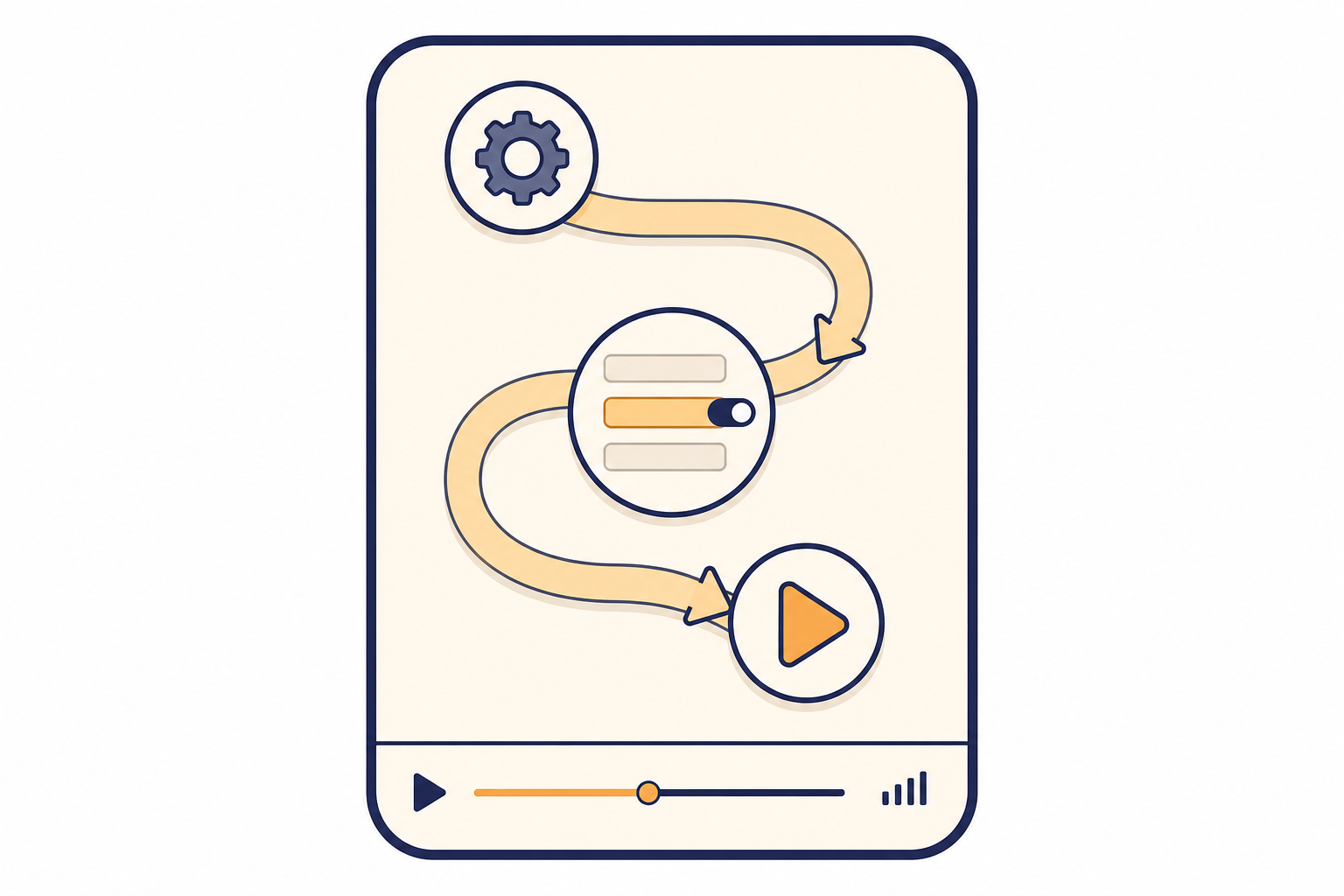
DRAMAGO supports Spanish subtitles. In some dramas, you can change the subtitle language inside the player while watching. Other dramas use the language selected on the Settings page: choose Spanish there, then enter the drama to use the corresponding subtitles. Follow the controls shown in the current app for the story you have selected.
Choosing your first interactive drama
A useful way to choose is to think about the kind of question you want a story to ask you. In a mystery or crime drama, the tension may come from deciding whom to believe or which lead to follow. In a romance, it may come from deciding what to reveal, protect, or risk in a relationship. The genre gives the choices their meaning.
Once you have found a title, set your preferred language and begin with the opening episode. Let the story introduce its characters before worrying about alternate paths. When the first choice arrives, respond based on what you know at that moment.
If you change to another drama later, check its language controls again. One title may offer a subtitle switch in the player, while another may rely on the Settings page before you enter.
Where can the story go next?
An interactive drama gives you choices within a filmed story. DRAMAGO Worlds extends that idea: after getting to know a story and its characters, you can enter a Story World and continue exploring. DEADWOOD, the first Story World in DRAMAGO Worlds, is connected to Blood on the Badge.
DRAMAGO Worlds supports English in its public beta. This language scope is separate from the DRAMAGO app’s nine supported interface languages and from the Spanish subtitles discussed above. Worlds may support more languages in the future; please follow official DRAMAGO announcements for updates.
We welcome you to try the public beta and visit DEADWOOD. Spanish-speaking viewers can enjoy interactive dramas with Spanish-language support now and decide whether they would also like to explore Worlds in one of its currently supported languages.
Frequently asked questions
Can I use the DRAMAGO app in Spanish?
Yes. Spanish is one of the app’s nine supported interface languages.
Can I watch with Spanish subtitles?
Yes. Depending on the drama, you may switch languages in the player or select Spanish on the Settings page before entering the story. Follow the options shown in the current app.
Will every drama have the same subtitle controls?
No. The way you change languages can differ between dramas.
Does DRAMAGO Worlds support Spanish in the public beta?
No. The public beta currently supports English. Future language support will be subject to official announcements.
What makes a drama interactive?
You watch filmed scenes and encounter moments where your choice can shape the route you experience. DRAMAGO Worlds offers a further way to explore a Story World beyond those episodes.
The same question asked in French has its own piece on the best interactive drama app with French subtitles. If you want to see where a story can lead beyond the episodes, you are welcome to try DEADWOOD in the DRAMAGO Worlds public beta. The full map of the platform lives in the DRAMAGO overview.